We’ve just released openEHR-CLI, a new open source command-line tool designed to make working with openEHR artifacts easier for developers, architects, and implementers.
 What is it?
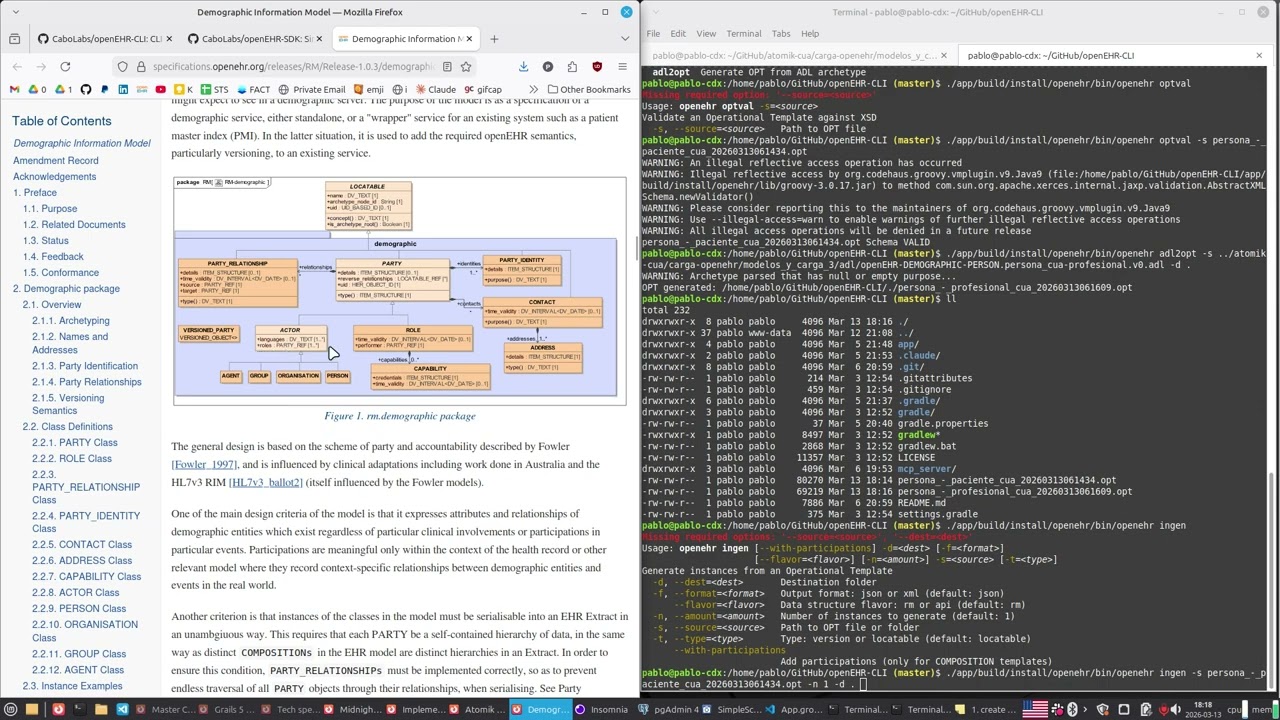
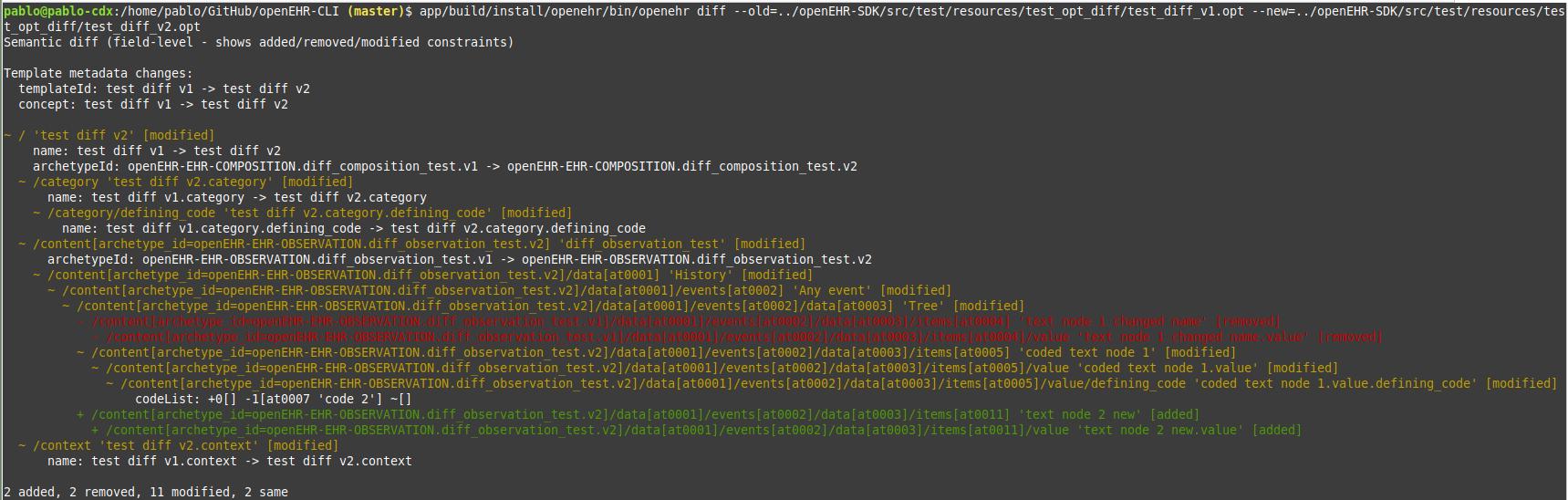
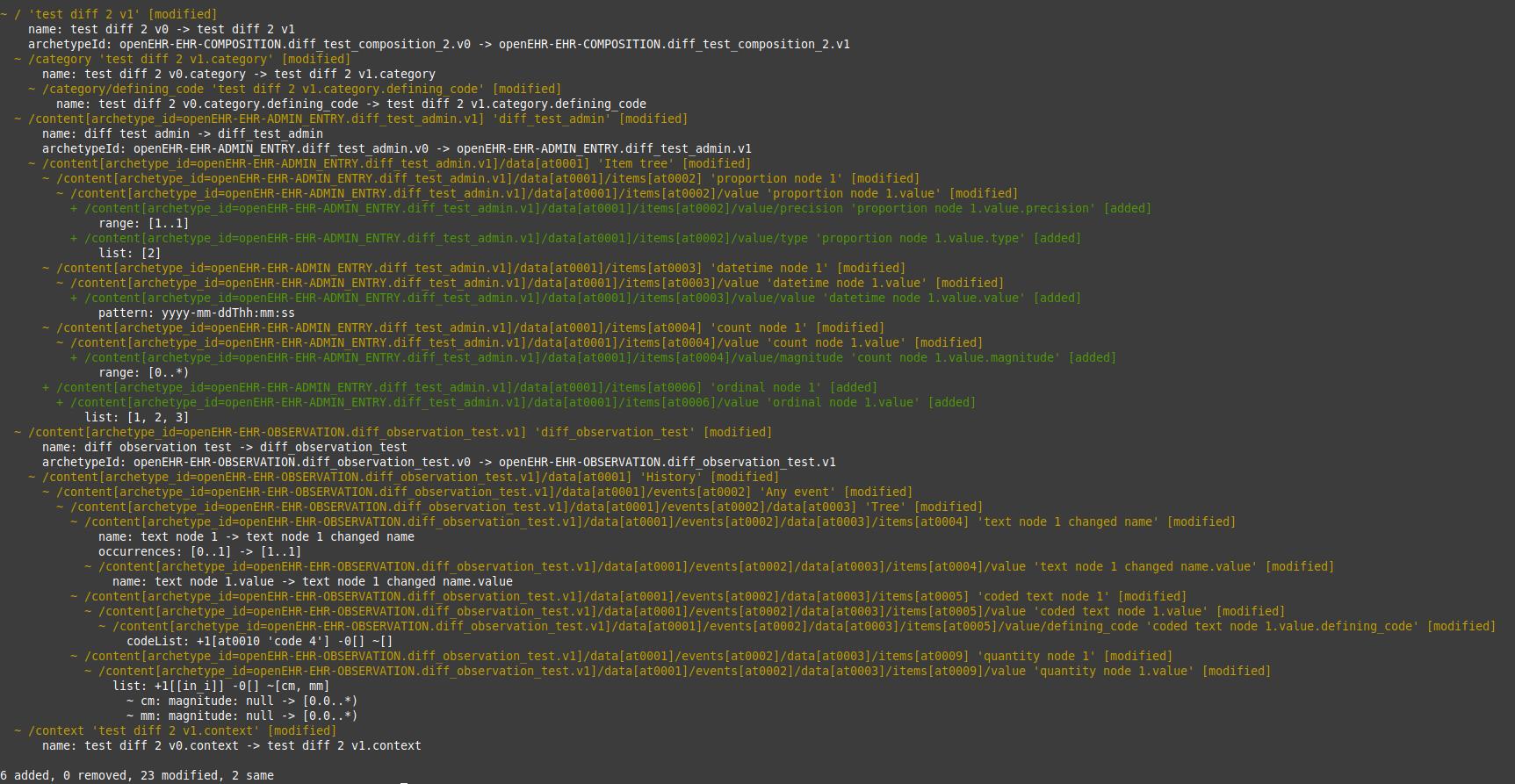
openEHR-CLI provides a simple command-line interface to work with openEHR models and artifacts. It helps automate common tasks when dealing with archetypes, templates, and other openEHR resources, making it easier to integrate these operations into scripts, pipelines, and development workflows.
 Typical use cases
-
Validate openEHR templates and artifacts
-
Inspect and process openEHR models from the terminal
-
Automate checks and workflows in CI/CD pipelines
-
Integrate openEHR tooling into development scripts
 Built-in MCP Server for AI integrations
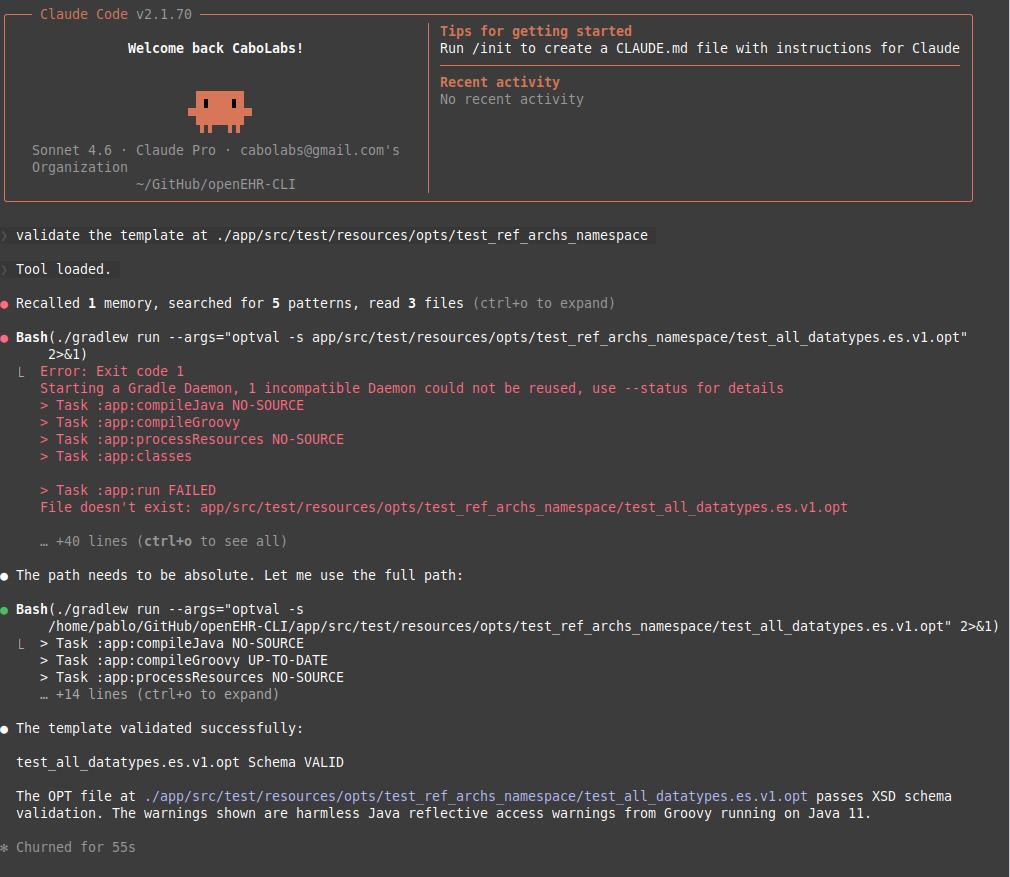
One of the most interesting features is that openEHR-CLI includes an MCP (Model Context Protocol) server.
This allows the CLI tools to be exposed as AI-accessible tools, meaning AI assistants and developer tools that support MCP can interact directly with openEHR artifacts.
In practice, this means tools like Claude Desktop, Cursor, LibreChat, and other MCP-compatible clients can use openEHR-CLI capabilities programmatically through AI workflows.
This opens the door to new possibilities such as:
-
AI assistants exploring openEHR archetypes and specifications
-
Automating model discovery and inspection
-
Building AI workflows around openEHR modeling and development
 Try it out
GitHub: GitHub - CaboLabs/openEHR-CLI: CLI to facilitate working with openEHR artifacts · GitHub
Feedback, issues, and contributions from the community are very welcome!